What’s new
Discover the latest releases in Aboard
The last few weeks have been about the bookends of working life — the day someone joins, and the small moments of recognition in between. We shipped a way to prepare new hires before they walk in, a recognition wall for the whole team, real-time collaboration on 1-on-1s, and a set of new ways to connect Aboard to the rest of your stack. Here's what's new.
Get new hires ready before day one
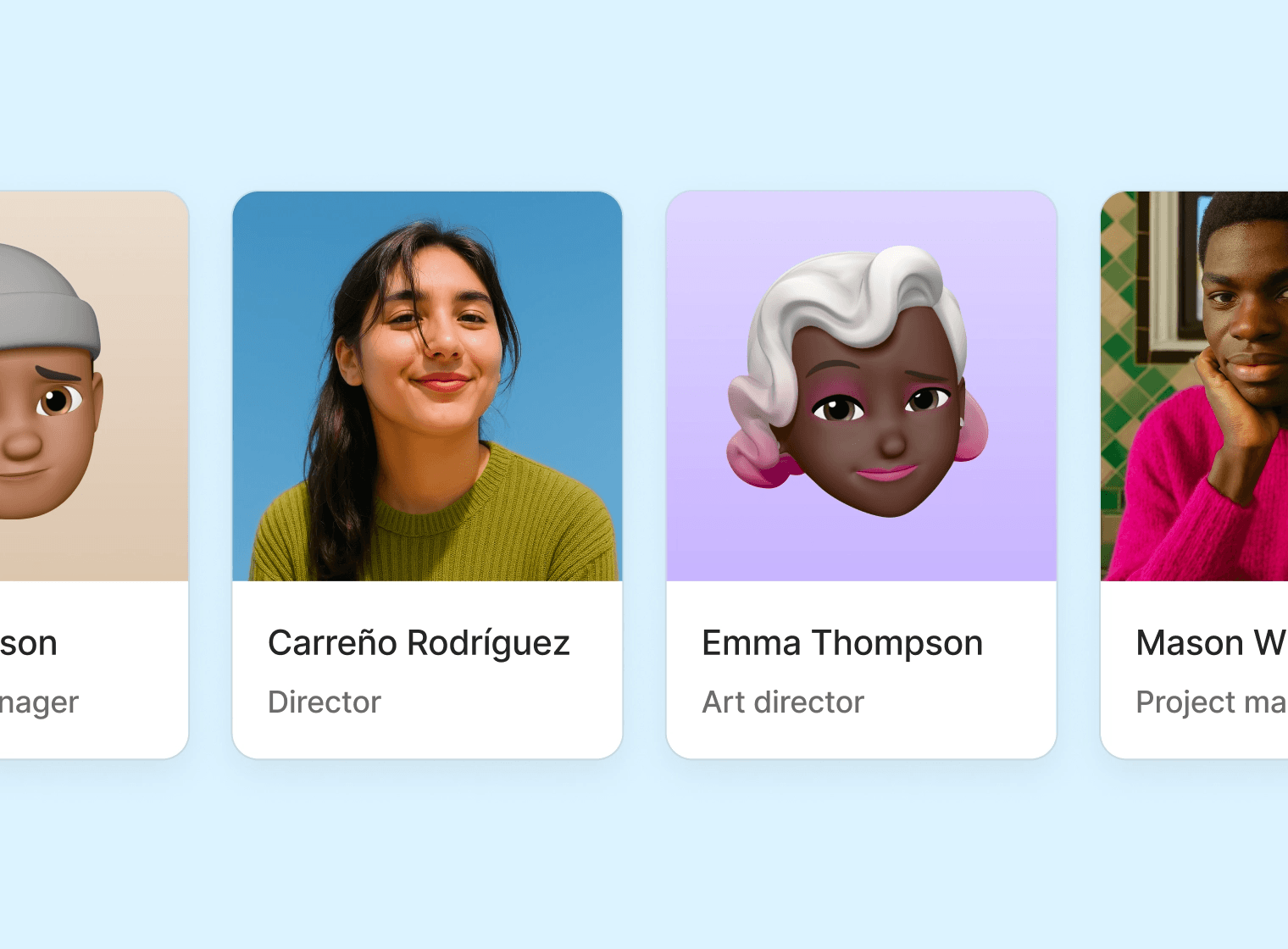
Hires closes the gap between "we hired someone" and "they're in the system."
Add an upcoming employee the moment the offer is signed, fill in what you know, and route it for approval. Assign a manager and a holiday calendar. When the start date arrives and you activate them, everything you entered becomes a real employee profile — no re-typing, no copy-paste.
📝 Prepare profiles ahead of time, with approval built in
🗂️ Upcoming hires stay separate from active employees until they actually start
✅ One click on day one turns a hire into a full profile, placeholder avatar and all
Hires pairs with the onboarding relaunch below — together they cover everything from offer accepted to first task done.
Onboarding, finished
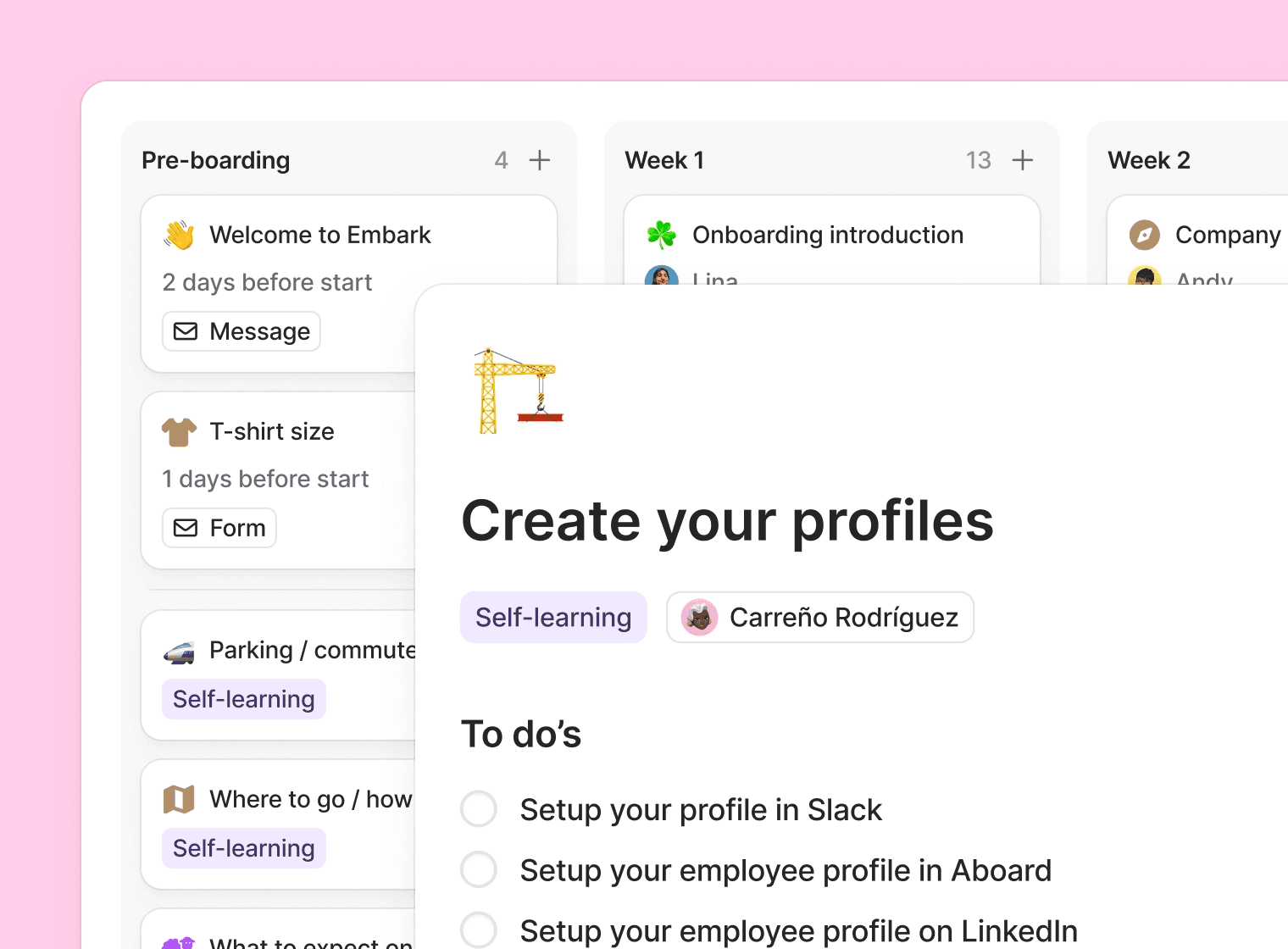
The onboarding relaunch reached its final push.
🎨 Co-edit the branding new hires see — invite a manager into the experience
📈 A new overview shows every onboarding's progress, with avatar badges marking the current stage
🏁 A clear completed state, capped with confetti when a new hire crosses the line
➡ Stages help break down the onboarding journey, giving the onboardee a clear path and understanding of what their onboarding will look like from start to finish
📋 Actions, forms and/or messages complete the stages. By curating these properly, each stage will help the onboardee get started quickly and efficiently
🫂 Introducing the onboarding buddy, someone other than their manager that can help guide the onboardee through their first time at their new job
🧹 Tasks stay visible after onboarding ends, so nothing falls through
Settings also moved into a cleaner sidebar, and we renamed the "Onboarding page" to the "Onboarding portal" to match what it actually is.
Give someone a shout-out
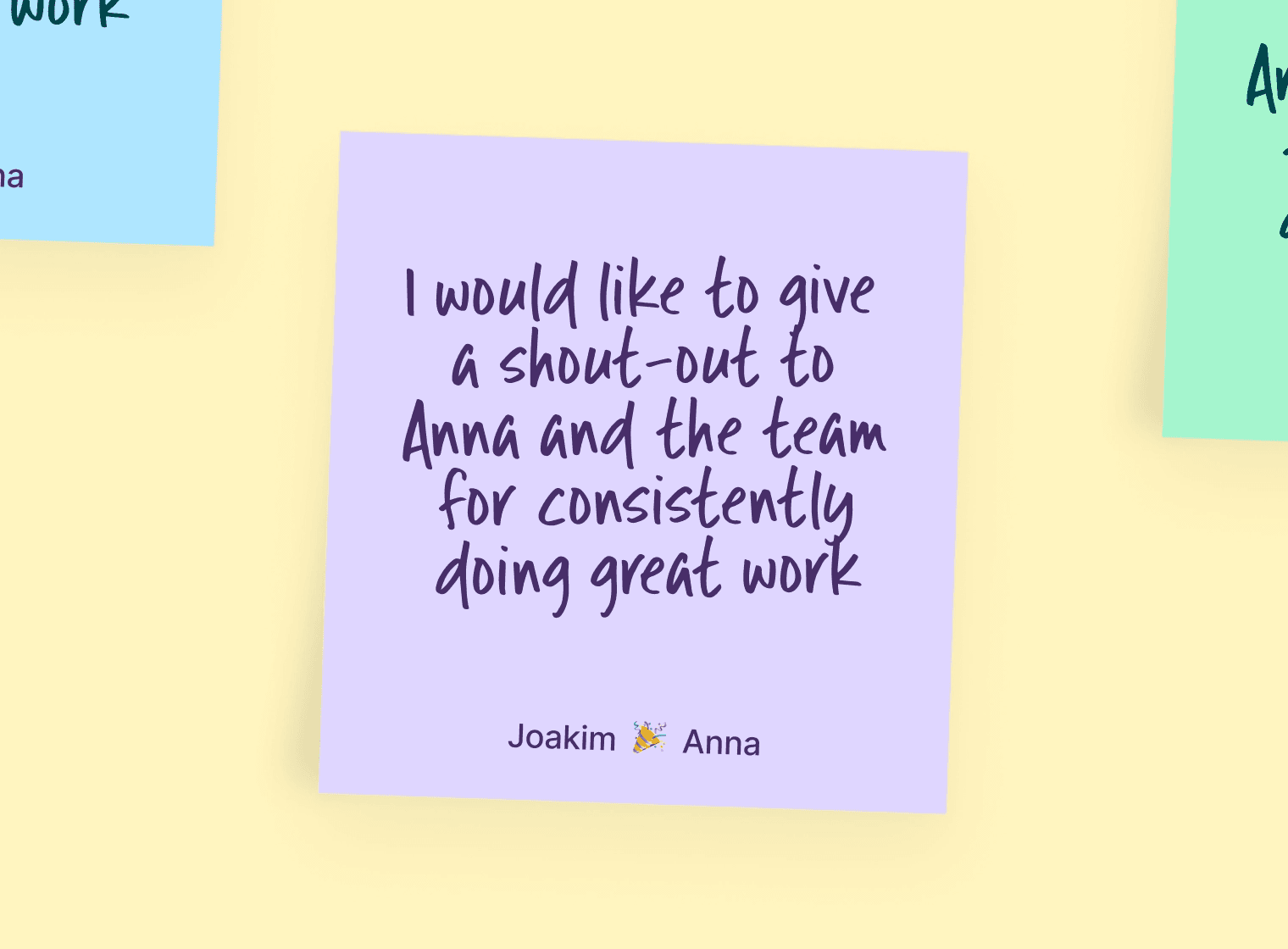
Praise is a new recognition wall, right in the portal. Recognition that used to scroll away in a Slack channel now has a home people can come back to.
💬 Write a shout-out with text or a photo, to one colleague or a whole team
❤️ React and comment — everyone can add a heart and join in
🎊 Confetti included, because a thank-you should feel like one
It's the first genuinely social space in Aboard, and it lives where your team already does — the portal.
Build the 1-on-1 agenda together
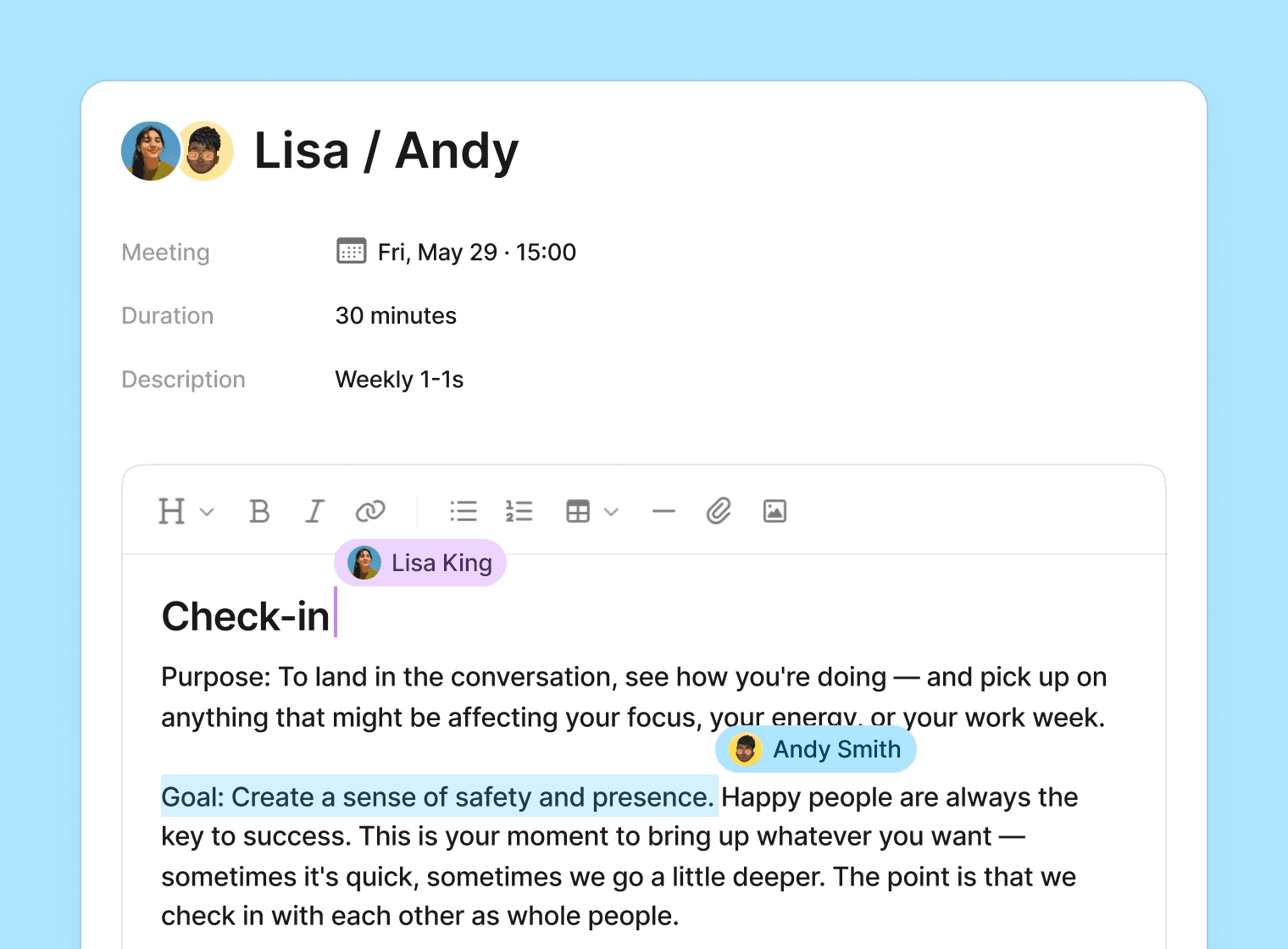
1-on-1 agendas are now collaborative. Managers and team members edit the same agenda in real time, with live presence so you can see who's typing. No more "did you add your points yet?"
For managers and HR, the admin area got a rebuild:
👀 A new overview of active conversations at a glance
🔔 Flags for new reports and overdue meetings, so nothing slips
🧭 Prepare without chasing anyone — everything needing attention in one place
Connect Aboard to the rest of your stack
A fuller API - The public API now supports full create, update, and delete for employees, positions, departments, locations, and job titles — plus terminations and an archived-employee filter. Build the integrations you've been waiting for.
Your AI assistant, connected - Aboard now speaks MCP. Connect an AI assistant like Claude and let it read your people, time-off, calendar, skills, and review data — and, with the right permissions, take actions like updating tasks or scheduling meetings. Admins control access from a new settings page.
Spot absence patterns before they become problems
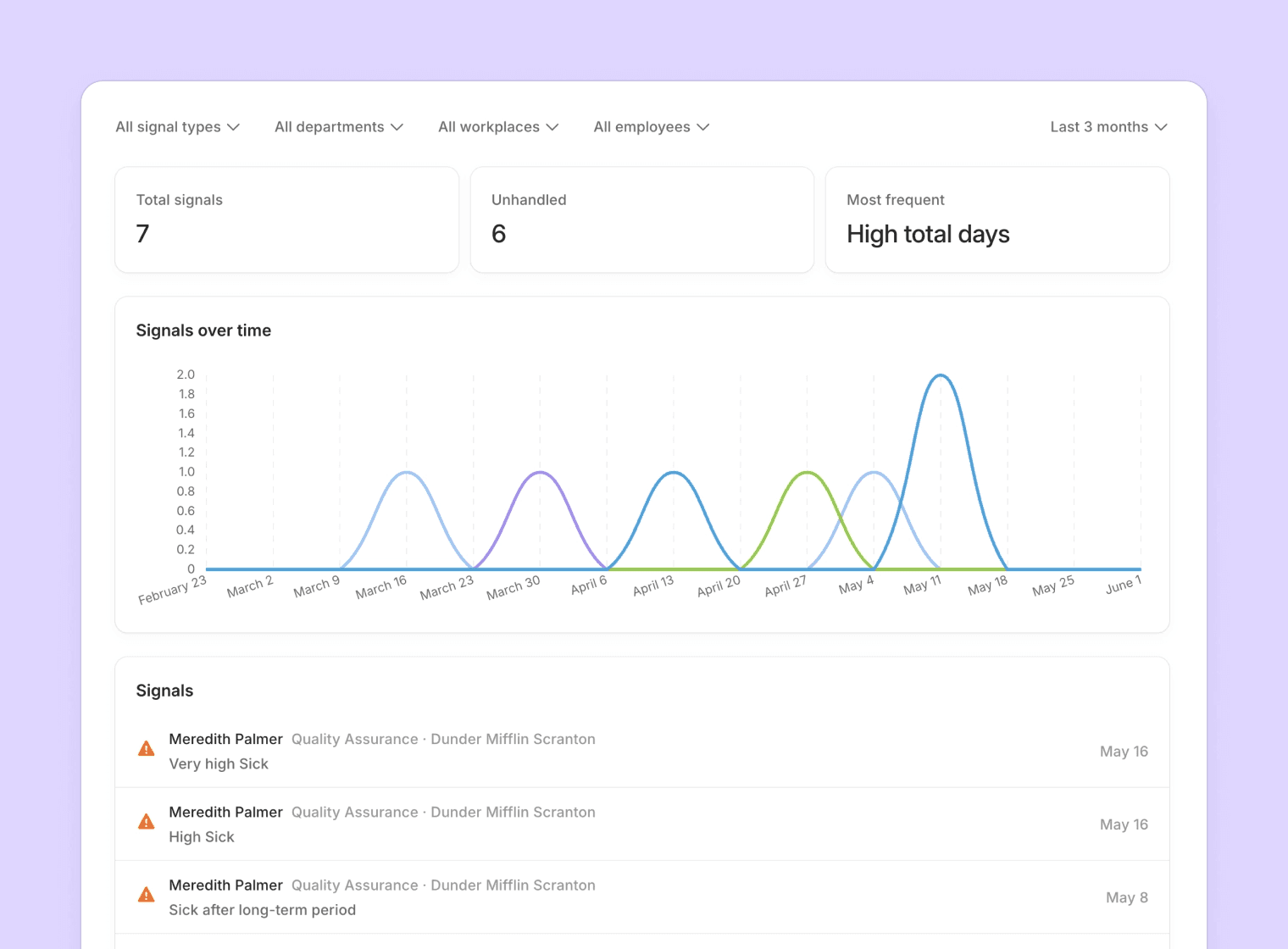
Aboard now watches for concerning absence trends automatically — clusters, or frequent short absences — and flags them to the right manager. When a manager handles a signal, they add a note, so there's always context for why.
📊 Automatic monitoring for clustering and frequent short-term absences
📝 A required note when handling a signal, so decisions stay documented
💬 Comment on individual time entries for clarity
📅 Approvers see time-off detail directly in the admin calendar
We also rebuilt how time-off accrues behind the scenes, so monthly accrual is annualized correctly across the cycle and balances stay right through start and end dates.
Also shipped
📋 Employment terms - Aboard now tracks employment form (permanent, fixed-term, and so on) and worker type as proper historical records — so you can see not just what someone's terms are, but what they were. Available in the list, the report, and the API.
👤 Face quiz refresh - The colleague name-learning game got a fresh look, sound effects, and smarter scoring based on speed and accuracy.
The last few weeks have seen some great new features and improvements. We've shipped a new AI Meeting Assistant, rebuilt Contracts from the ground up and polished dozens of corners across the app. Here's what's new.
Meet your new AI Meeting Assistant
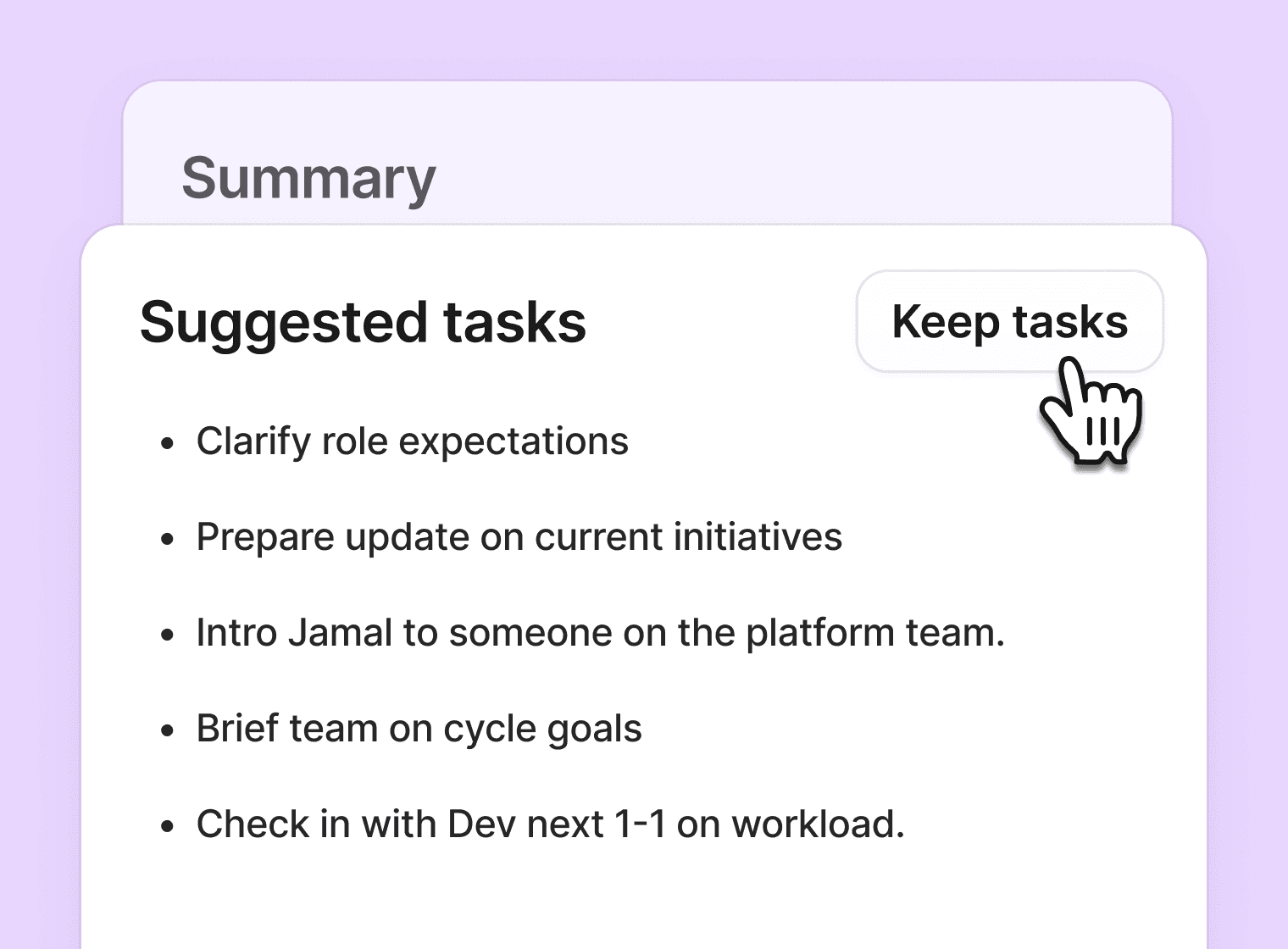
Your 1-on-1s and team meetings now have a co-pilot. Aboard's new AI Meeting Assistant automatically joins your meetings, transcribes the conversation, writes a clean summary, and — here's the best part — suggests follow-up tasks based on what was actually discussed.
🎙️ Automatic transcription in the language you spoke, not just the language of your UI
📝 Smart summaries delivered right after the meeting ends
✅ Suggested tasks you can accept into your 1-on-1 with a single click
No more copy-pasting from Otter into a Notion doc into a task list. The notes, the summary, and the next steps all live together, inside the employee's timeline, right where your next 1-on-1 will pick up.
Available now as part of the Aboard Co-pilot add-on.
Contracts, completely rebuilt
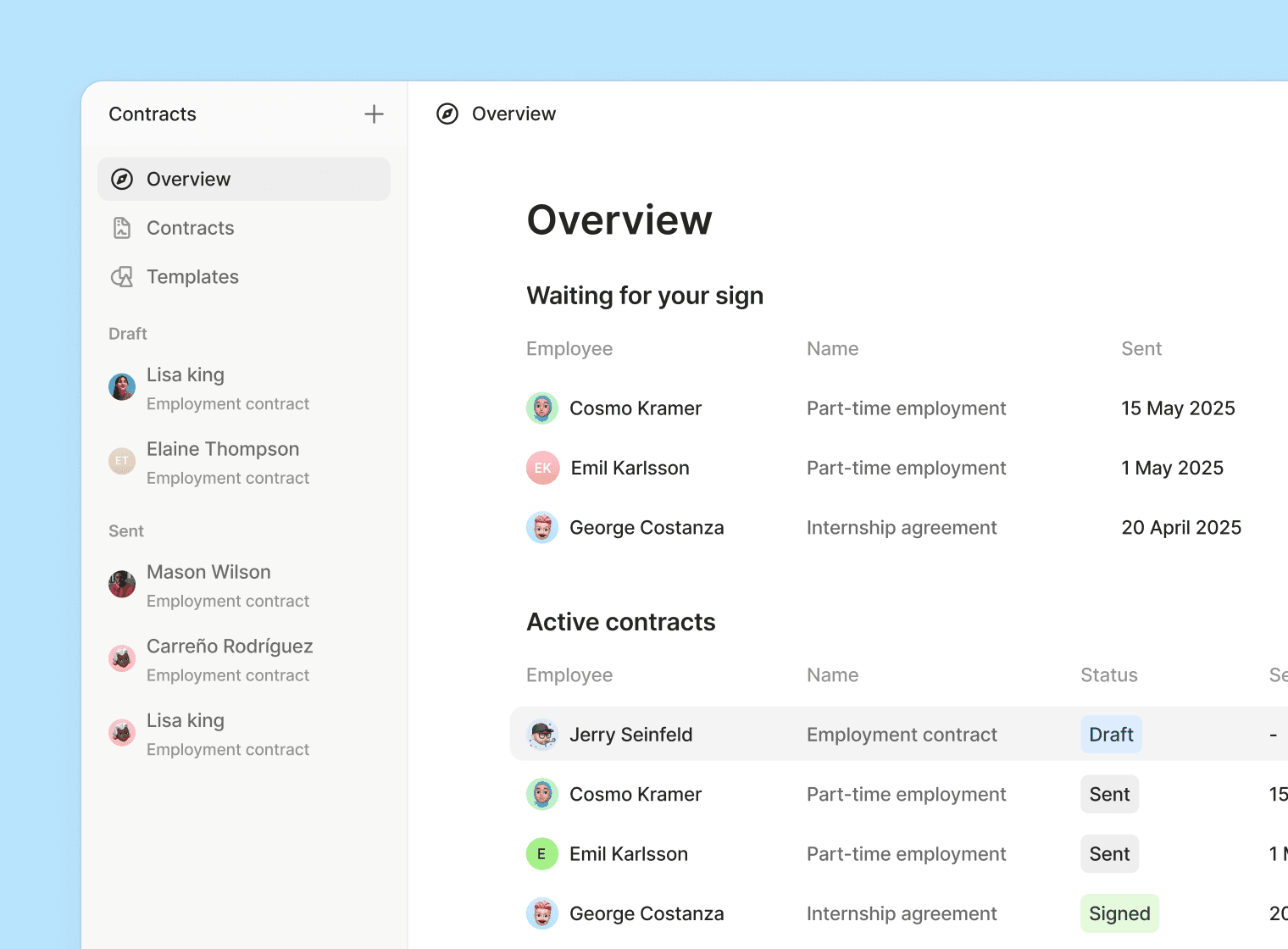
Contracts in Aboard just leveled up - designed for HR teams that run dozens of contracts a week and want a single source of truth.
A dedicated Contracts page - Everything in one place. Filter by status, signer, or template. Spot what's stuck, what's signed, and what needs your attention — without digging through profiles.
Send to external signers - Need to send a contract to a candidate who hasn't started? Now you can. External signers receive a secure signing link, and the signed contract lands back in Aboard automatically.
Invite collaborators - no more swapping Word docs over Slack.
Attachments, built in - Append handbooks, policies, addendums, or anything else that belongs with the contract. All stored together, versioned, and available to signers.
Placeholder detection - Aboard now flags any unfilled variables before you send — so "Dear {first_name}" never goes out again.
Other improvements include
Certifications - Bulk-assign certifications to multiple profiles at once
Refreshed People directory - A responsive, mobile-friendly people list that highlights birthdays, work anniversaries, and new joiners — making it easier to connect, celebrate, and welcome.
Posts - Audience targeting by department and location - stop blasting everyone
Salary Revisions is live in Aboard, plus a new branded pre-boarding page, Co-pilot for employees/admins, richer profile attributes, pay transparency reporting, and more.
Salary Revisions
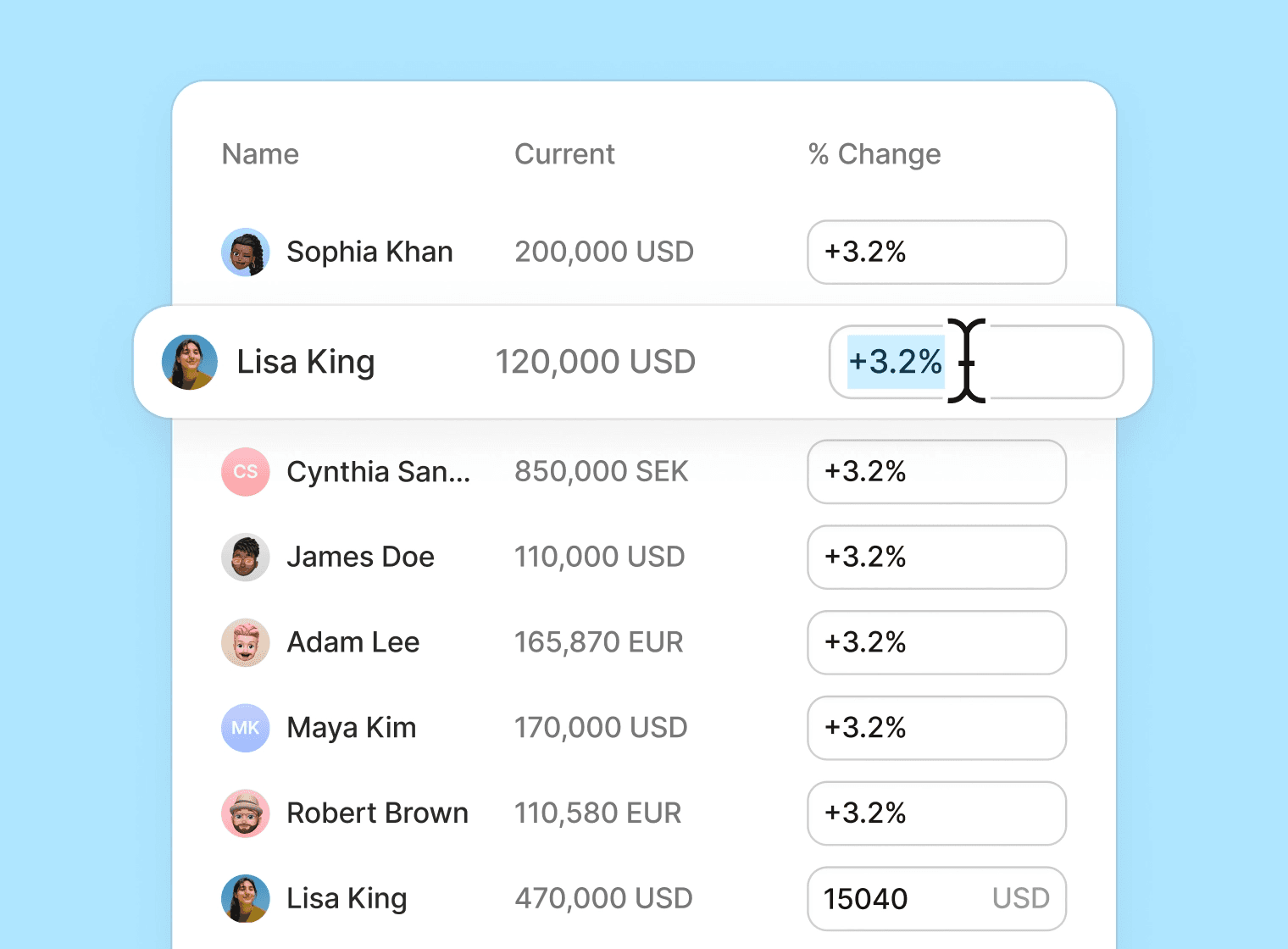
Say good bye to spreadsheets and time consuming administrative mountain of work. Salary Revisions are now available to help manage annual or mid-year salary reviews directly in Aboard. Easily organize employees into groups, assign reviewers and approvers, and apply new salaries when everything is signed off. Quick setup — Choose a template to auto-group by department, workplace, or manager — or set things up manually. Review & approval — Reviewers propose adjustments (amount or %); approvers approve or reject with feedback. Choose single or multi-approval per group. One-click apply — When all groups are approved, apply new salaries in one go with your chosen effective date. Notifications via email, Slack, and Teams. Multi-currency supported.
Pre-boarding branding
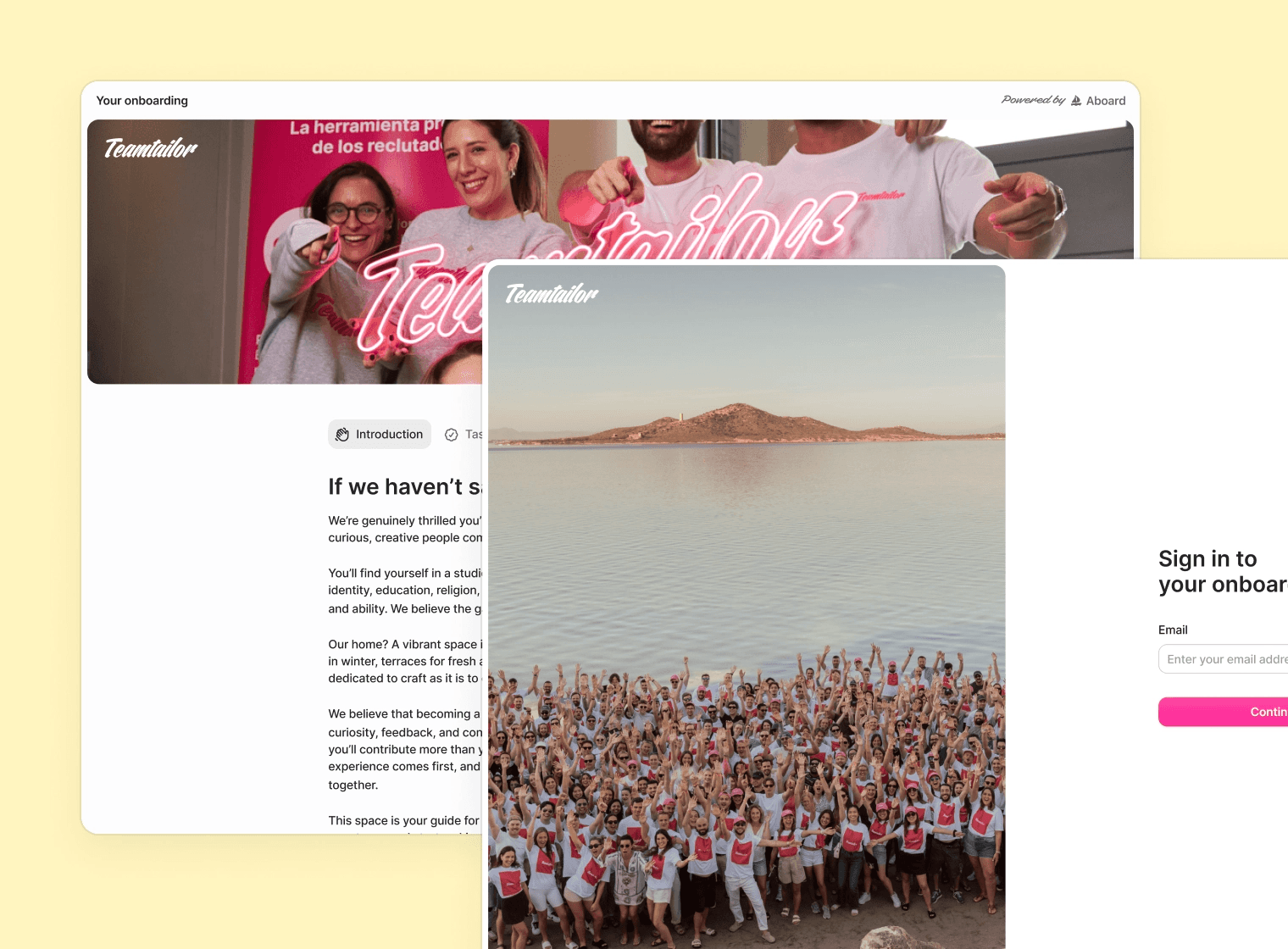
We’re rolling out improvements to the onboarding experience in Aboard, and we’re starting with a brand-new, customisable pre-boarding page. You can enable this update right now:
This new experience lets you showcase your company’s brand and culture before day one, allowing for a warmer welcome and clearer understanding of your organisation for the onboardee. Head to Company Settings → Onboarding to add a cover image and banner, and share key details about your organisation and workplaces.
The result is a more curated pre-boarding journey, giving onboardees relevant context based on the workplace they’ll be joining—before they even start.
Co-pilot
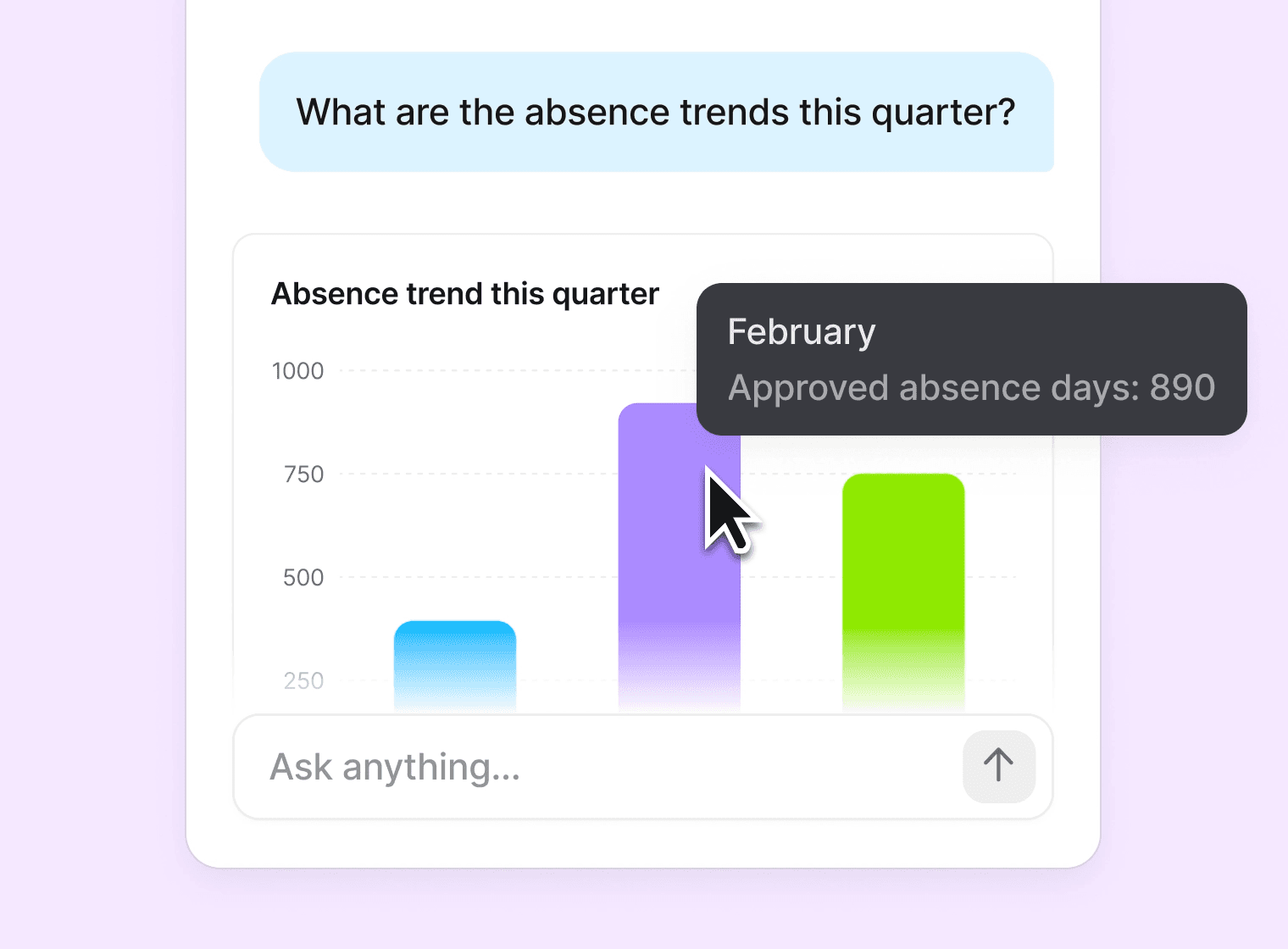
We’re excited to share that Co-pilot, your AI assistant for work, is now available for both employees and admins!
Co-pilot will help your employees get instant answers to their everyday questions. Ask about colleagues, check time off balances, and get information about company policies and documents—all through a simple chat interface right in the portal.
For admins, the Co-pilot will allow you to ask specific questions in the Analytics-module and narrow down insights further than ever before. It can also generate AI summaries from Performance Reviews, highlighting strengths and concerns when reviews are completed.
You can enable Co-pilot for your organization in your Company Settings.
Profile attribute improvements
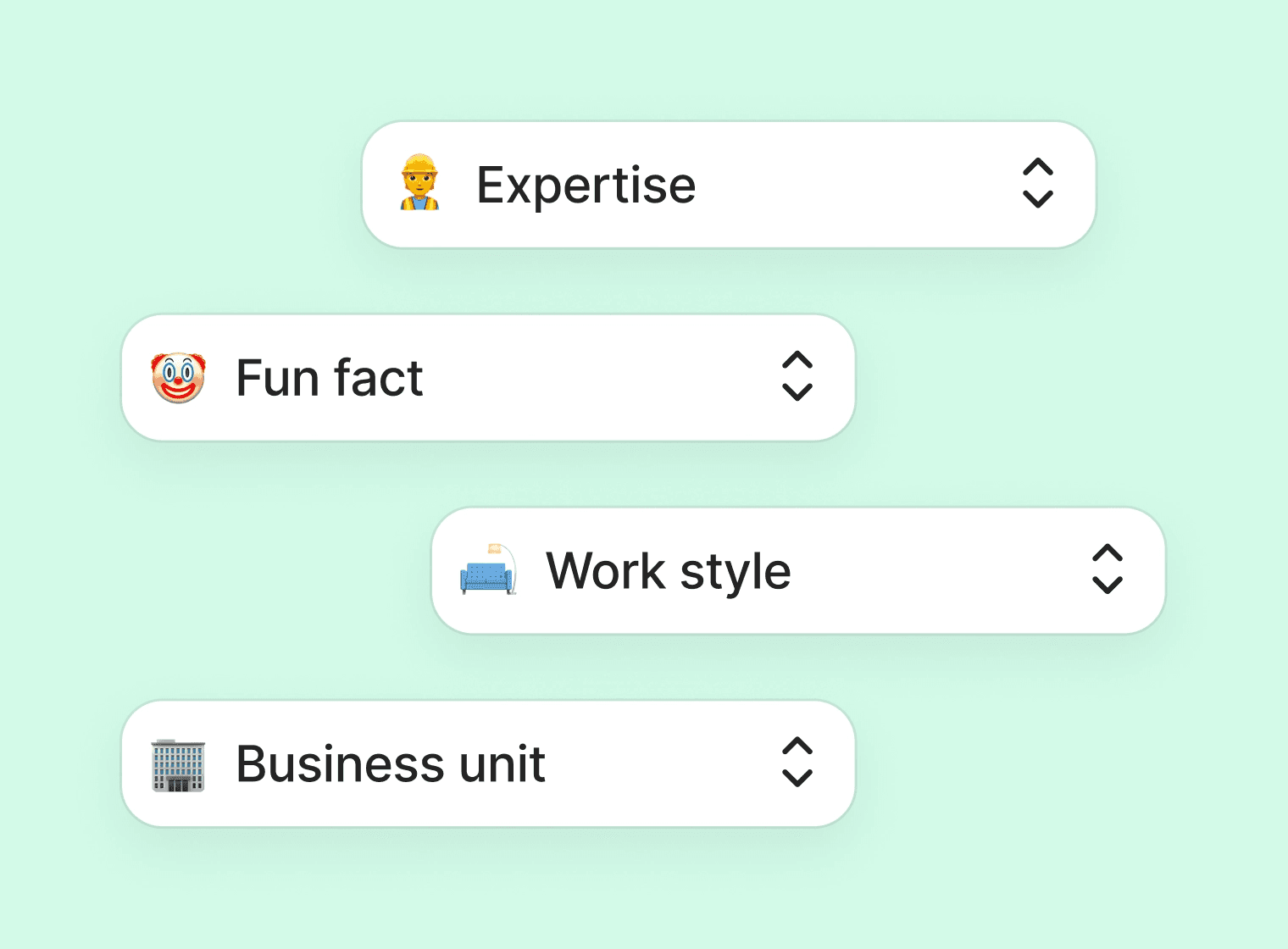
We have now added several new options to profile attributes, giving you even more customization and possibilities to keep track of important data points for your organisation. The options now include:
Single select
Mulit select
Text (NEW)
Number (NEW)
Date (NEW)
Yes/No (NEW)
Additionally, you can now also choose to have profile attributes visible in the employee portal as well as letting employees review and update them.
Pay transparency report
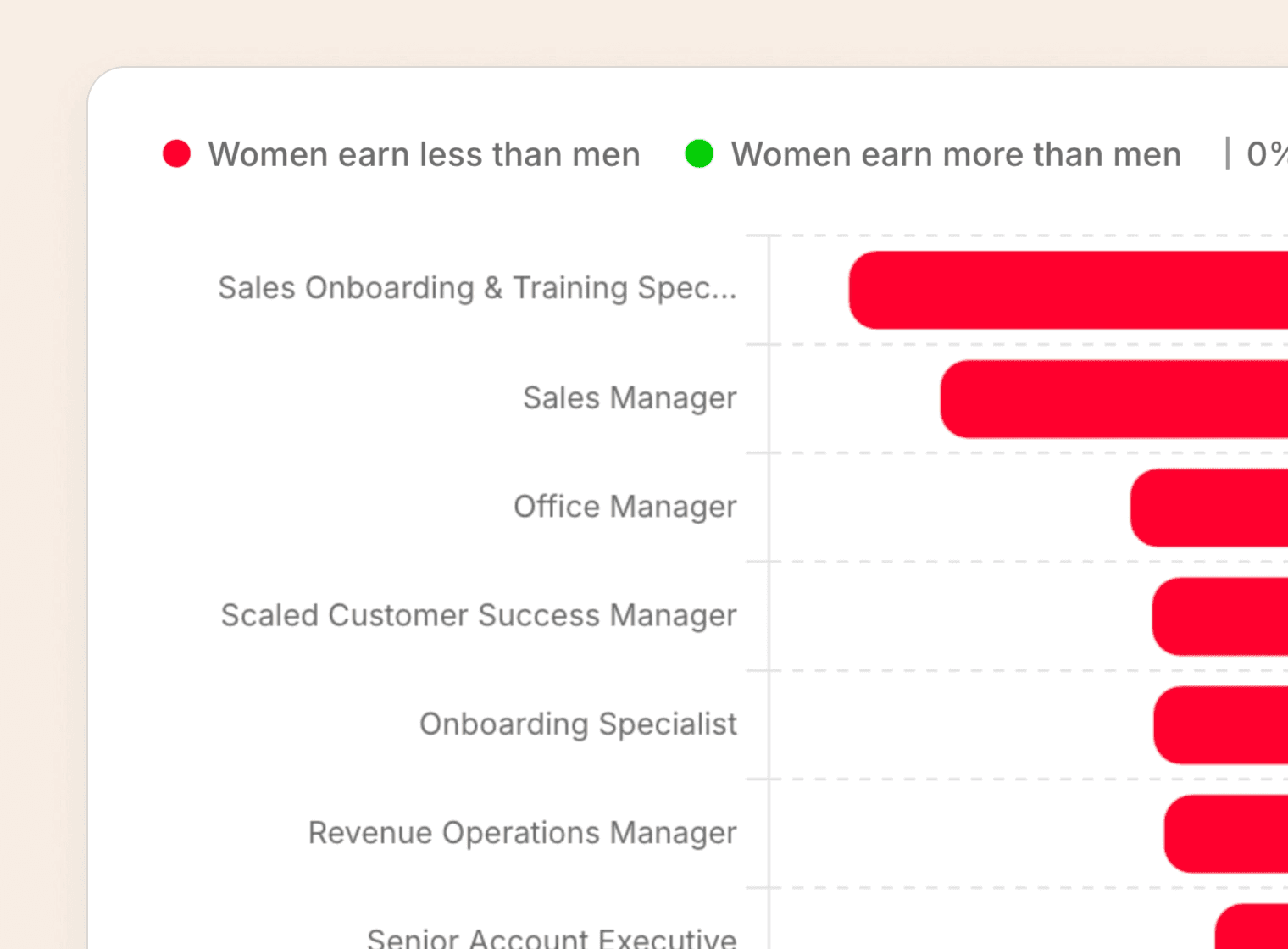
We’ve launched a new Pay Transparency & Gender Gap report to help you understand pay distribution and support fair, informed compensation decisions.
The report gives you a clear overview of key gender pay gap insights across your organization, so you can identify patterns and take action where needed.
You can also export to CSV when you want to share the data or create more advanced groupings and analysis yourself.
Updated 1-on-1 experience
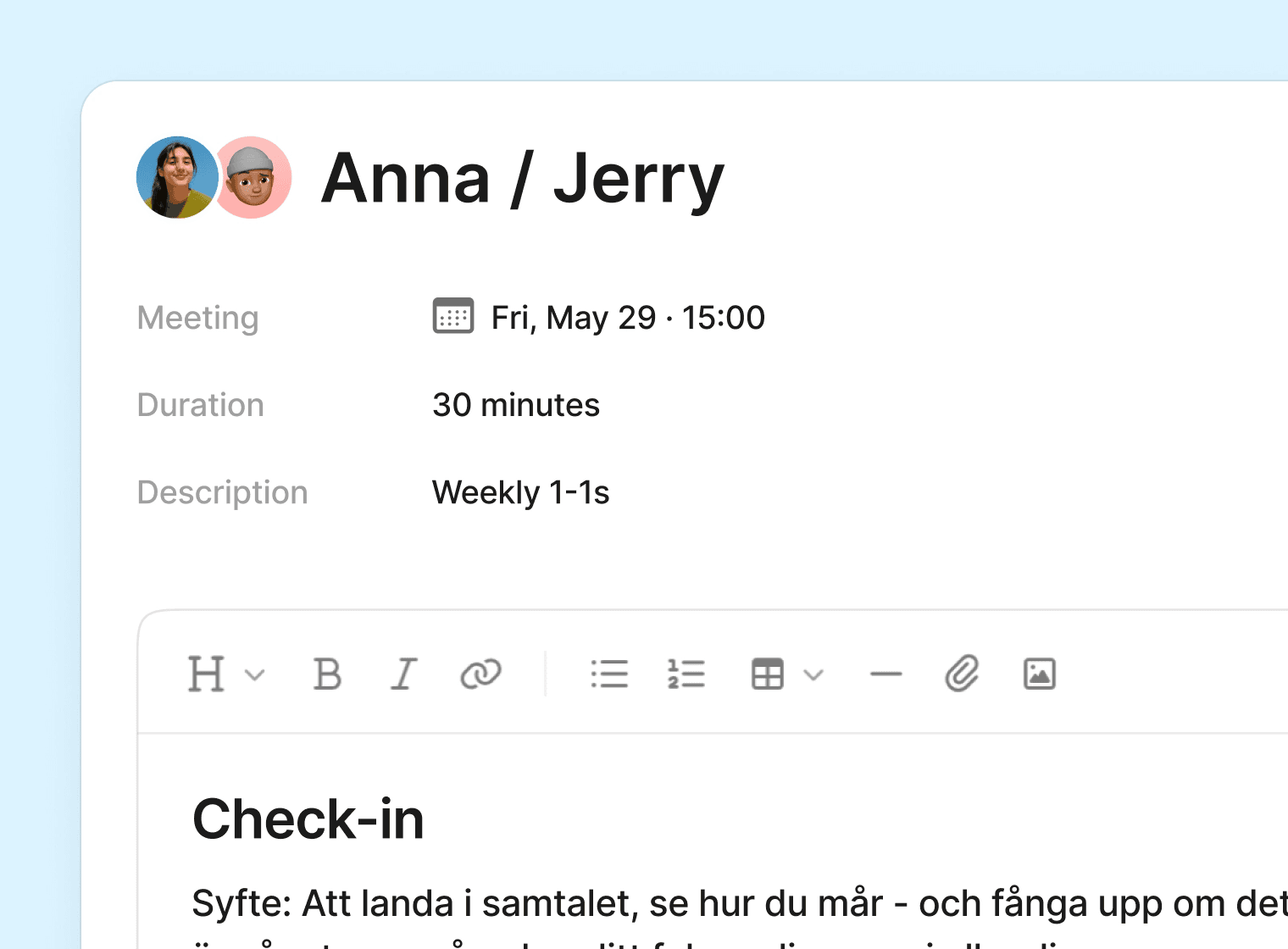
Through our new free-form editor, meeting agendas are now fully flexible allowing managers greater ownership over how their conversations are structured.
To ensure a clean and focused meeting experience, a dedicated sidebar has been added. There you will find Goals, Tasks, Private notes and the new Comments-option which enables managers and employees to communicate directly in the context of their 1-1:s.
We have also streamlined the create-meeting flow to make setting up a new 1-on-1 faster and more intuitive.
Performance reviews now exportable
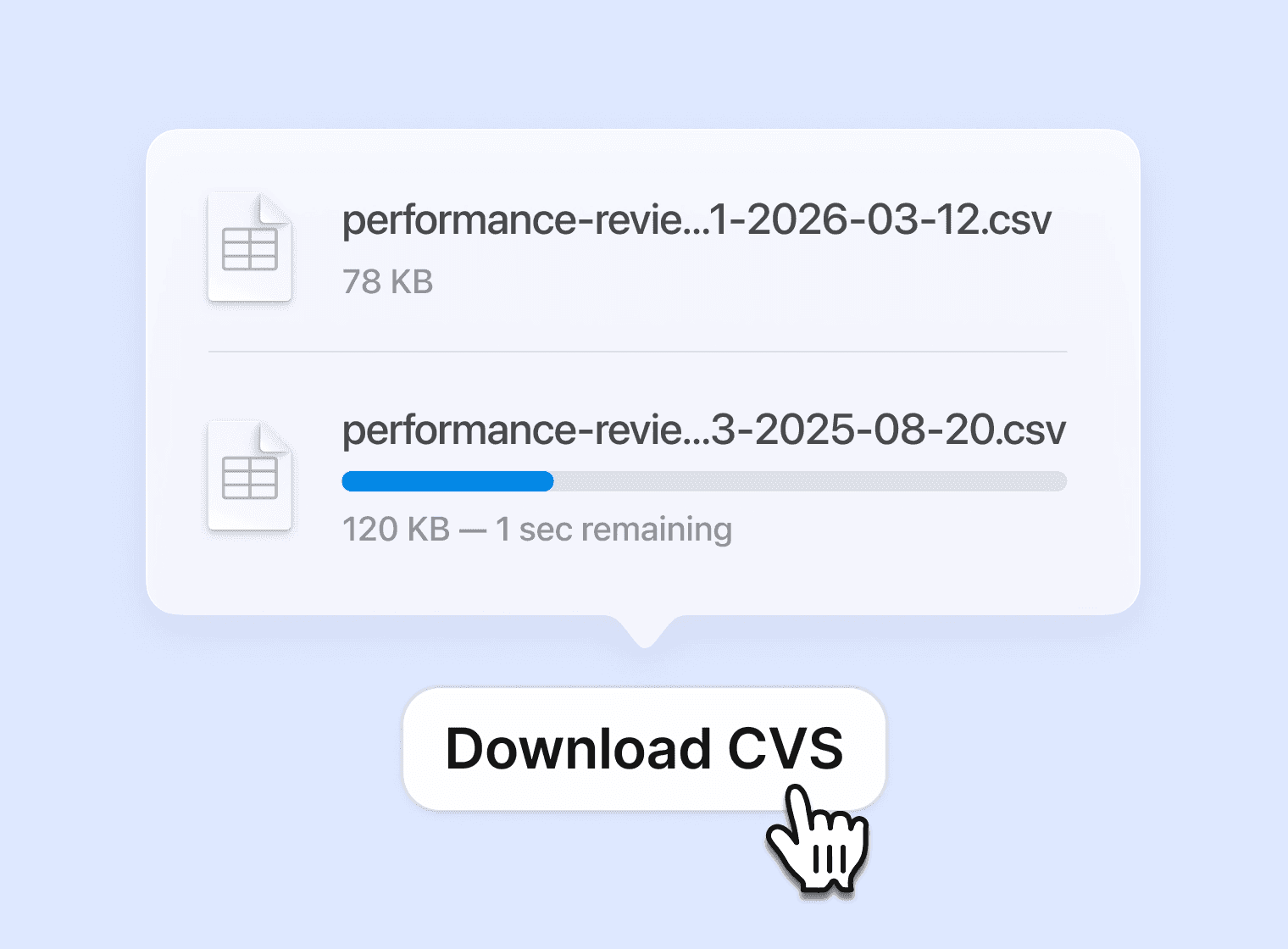
You can now download performance review responses as a CSV directly from cycle insights. This allows for deeper calibration work with managers and leadership.
You’ll find this in the performance cycle insights view, where a new download option lets you export the same data you’re currently reviewing, including your active filters.
Other improvements include:
Daily digests that match your team’s time zone
Draft-saving forms
View Microsoft Word and Power Point files in Aboard
See who’s working today in the employee portal
Collaborate on performance projects for managers
Department targeting and updated description editor for events
Certification documents now possible to upload and renew by managers
New editors available for across the platform
Placeholders available for onboarding-messages, and new options added to contracts
If you have any questions, please feel free to contact us at help@aboardhr.com.
This release is packed with upgrades: keep profiles 100% complete, boost account security with 2FA/Passkeys, access emergency contact reports instantly, sync your 1-on-1s to your calendar, and collect attachments for time-off requests. And we’re just getting started — Performance Reviews and Co-pilot are on the way.
Profile Completion
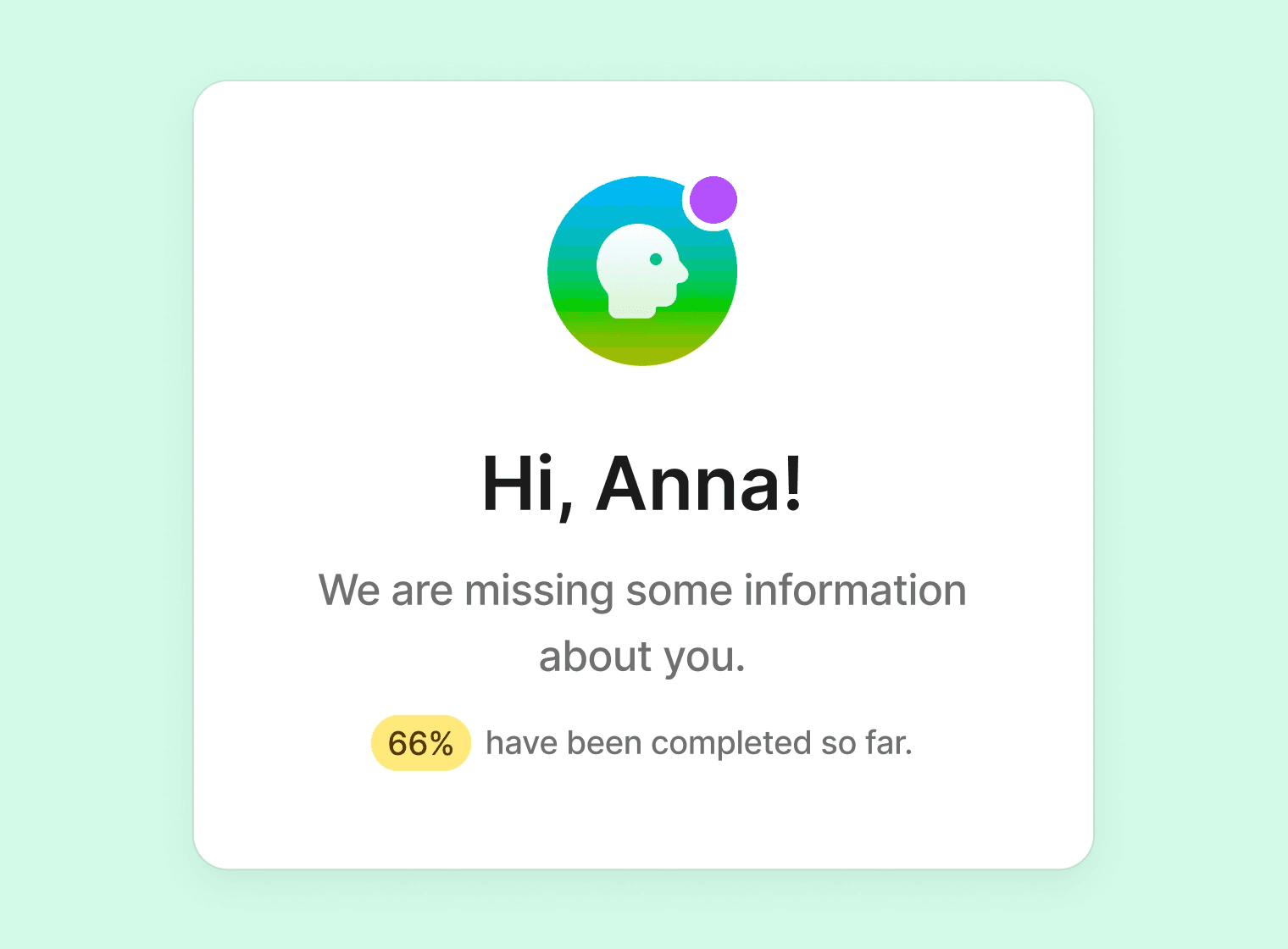
Now you can make sure employee profiles reach 100%, keeping your HR data accurate, consistent, and reliable.
With Profile Completion, you can:
Quickly spot missing information across employee profiles.
Encourage employees to update their details.
Maintain a richer, more organized company directory.
Keeping profiles complete helps everyone: managers get better insights, teams stay connected, and HR has the data they need at their fingertips.
Improved account security through 2FA & Passkeys
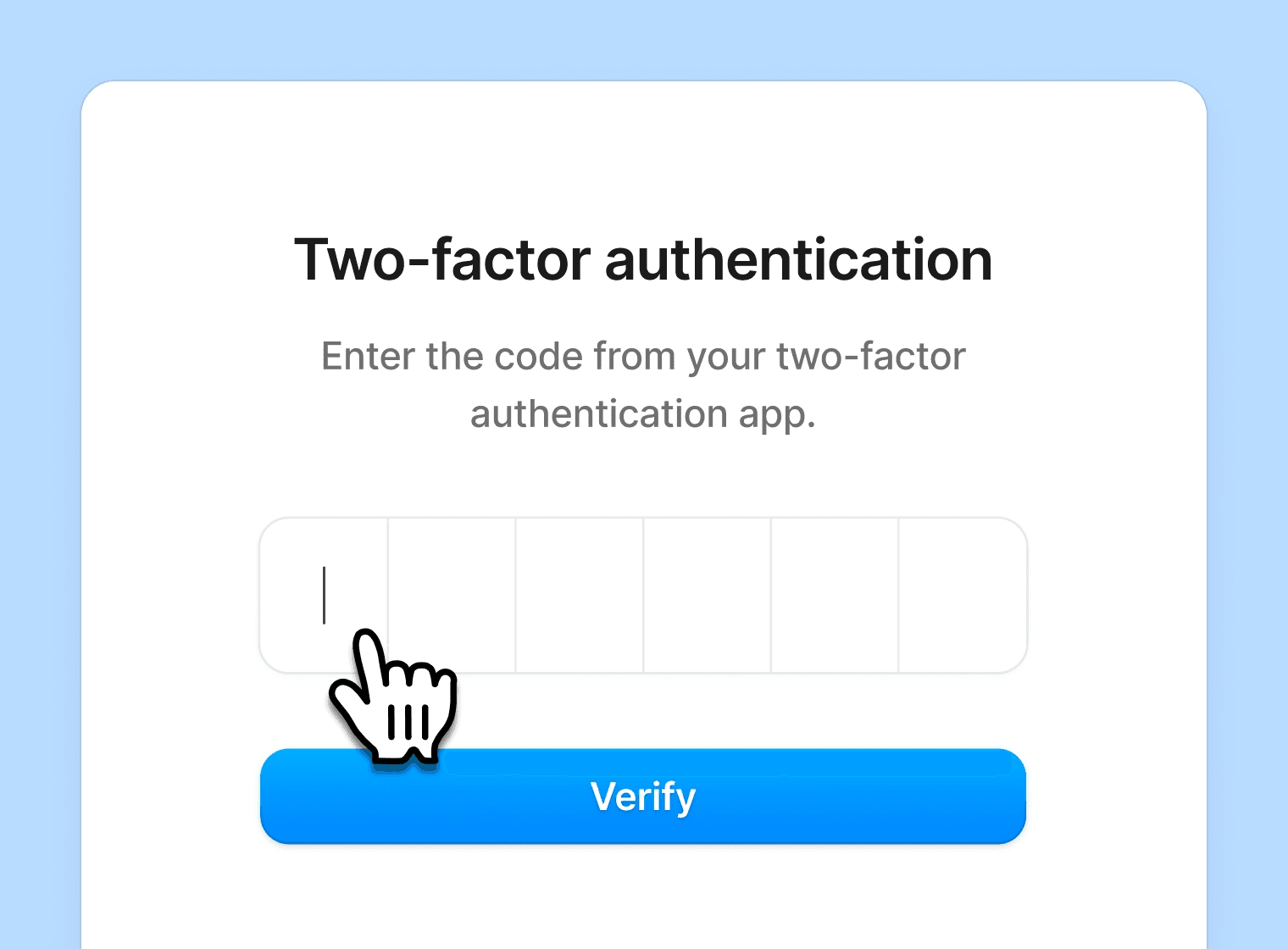
We’ve added an extra layer of security to your account: optional two-factor authentication (2FA) using time-based one-time codes or Passkey support.
You’ll continue to log in with your email and a one-time code sent to your inbox. What’s new is the option to require an additional code from an authenticator app – but only when signing in on a new or unrecognized device.
This means your usual login routine stays the same: quick and email-based. The second factor only comes into play when it matters most—like when someone tries to access your account from a device that has not previously been authenticated with your two-factor.
New report: employee emergency contacts
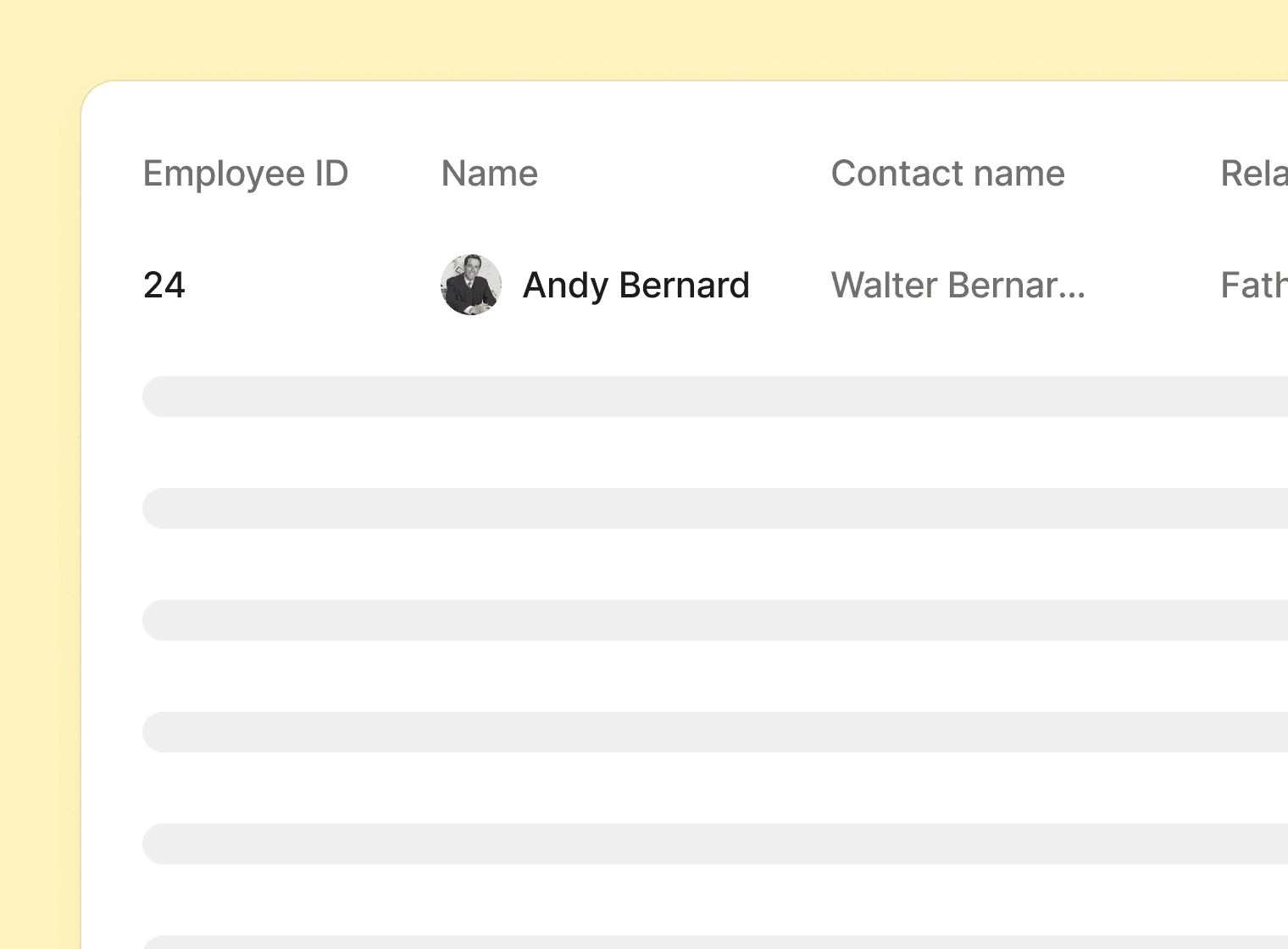
You can now easily access and export a full overview of all employees’ emergency contacts directly from Analytics → Reports.
This makes it simpler to review important information and keep records up to date whenever needed.
Attachments in time-off requests
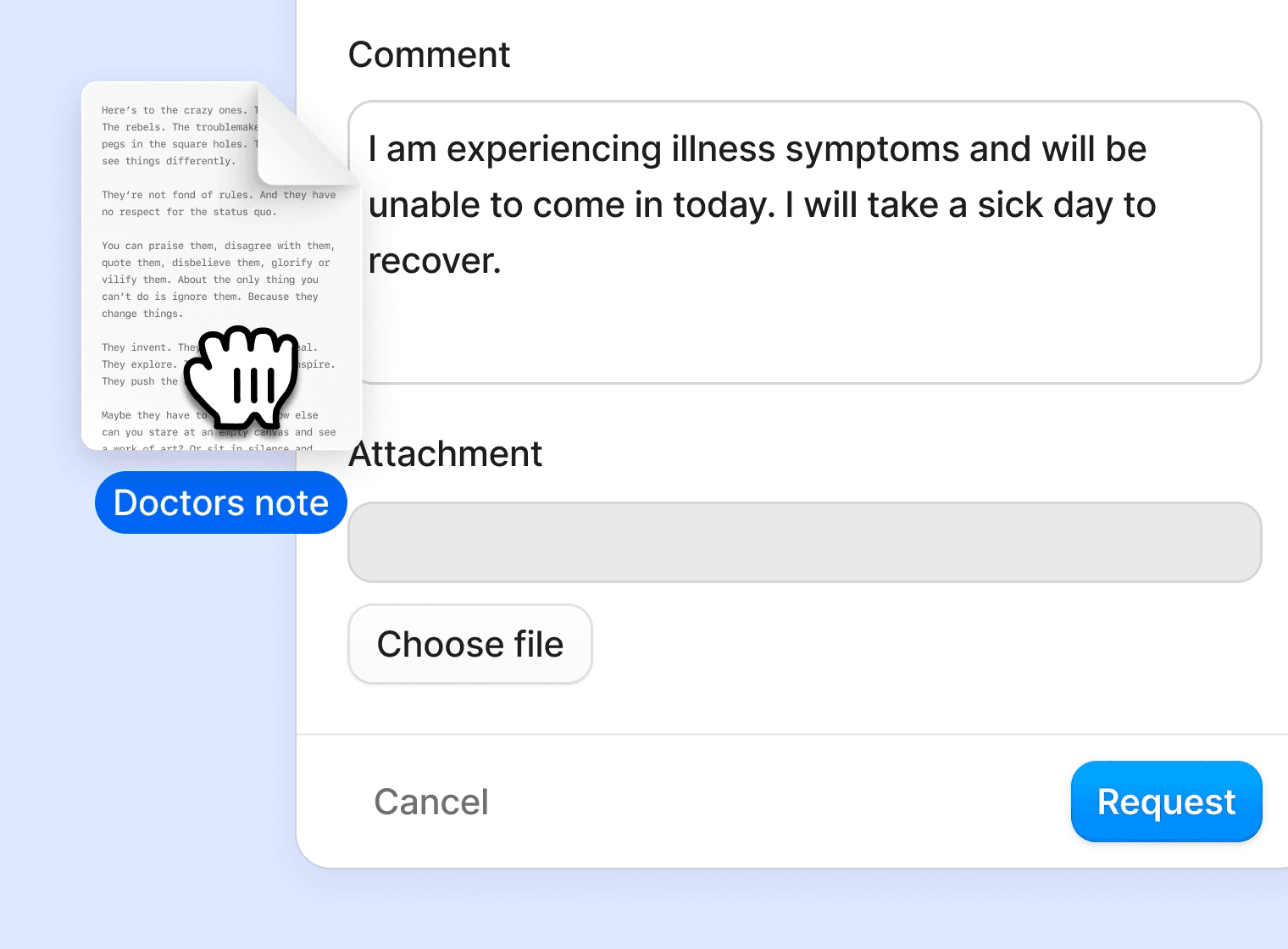
We’ve added the ability for employees to attach supporting documents to their time-off requests, giving HR teams more flexibility and control over the approval process.
For policies that require attachments, employees can easily upload common file types like images, PDFs, and Word documents directly in their request form.
Sync 1-on-1:s with your calendar
Your 1-on-1 meetings in Aboard can now be synced directly with Google Workspace or Microsoft 365. That means your scheduled 1-on-1s will appear in your calendar automatically — making it easier to stay on top of important conversations with your team.
Whats next
Performance Reviews
We’re excited to share that Performance Reviews are launching soon in Aboard!
This new feature will help you streamline your performance management process with structured review cycles, multi-step feedback processes including self-assessments and peer reviews. Through customizable forms that match your company's values, you will get intuitive scoring and gain valuable insights.
Co-pilot
We’re excited to share that Co-pilot, your AI assistant for work, is launching soon in the Employee Portal!
Co-pilot will help your employees get instant answers to their everyday questions. Ask about colleagues, check time off balances, and get information about company policies and documents—all through a simple chat interface right in the portal.
This AI-powered assistant will save time and make it easier for employees to find the information they need, whenever they need it.
Thanks very much for reading our latest Aboard update and we can’t wait to share with you all of the latest developments next time.
If you have any questions, please feel free to contact us at help@aboardhr.com.