June 2026 — Welcoming new hires, celebrating your team, connecting AI
The last few weeks have been about the bookends of working life — the day someone joins, and the small moments of recognition in between. We shipped a way to prepare new hires before they walk in, a recognition wall for the whole team, real-time collaboration on 1-on-1s, and a set of new ways to connect Aboard to the rest of your stack. Here's what's new.
Get new hires ready before day one
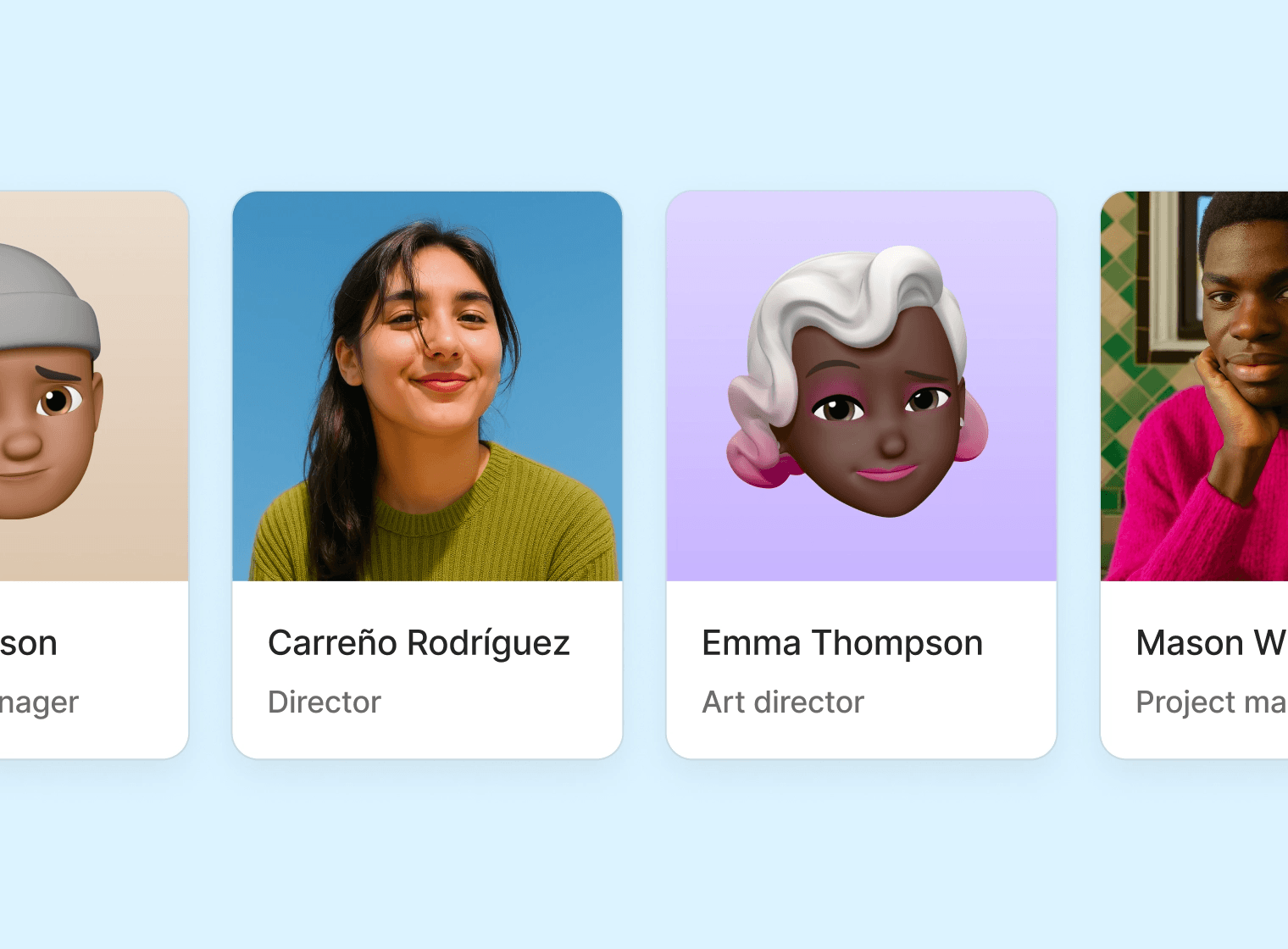
Hires closes the gap between "we hired someone" and "they're in the system."
Add an upcoming employee the moment the offer is signed, fill in what you know, and route it for approval. Assign a manager and a holiday calendar. When the start date arrives and you activate them, everything you entered becomes a real employee profile — no re-typing, no copy-paste.
📝 Prepare profiles ahead of time, with approval built in
🗂️ Upcoming hires stay separate from active employees until they actually start
✅ One click on day one turns a hire into a full profile, placeholder avatar and all
Hires pairs with the onboarding relaunch below — together they cover everything from offer accepted to first task done.
Onboarding, finished
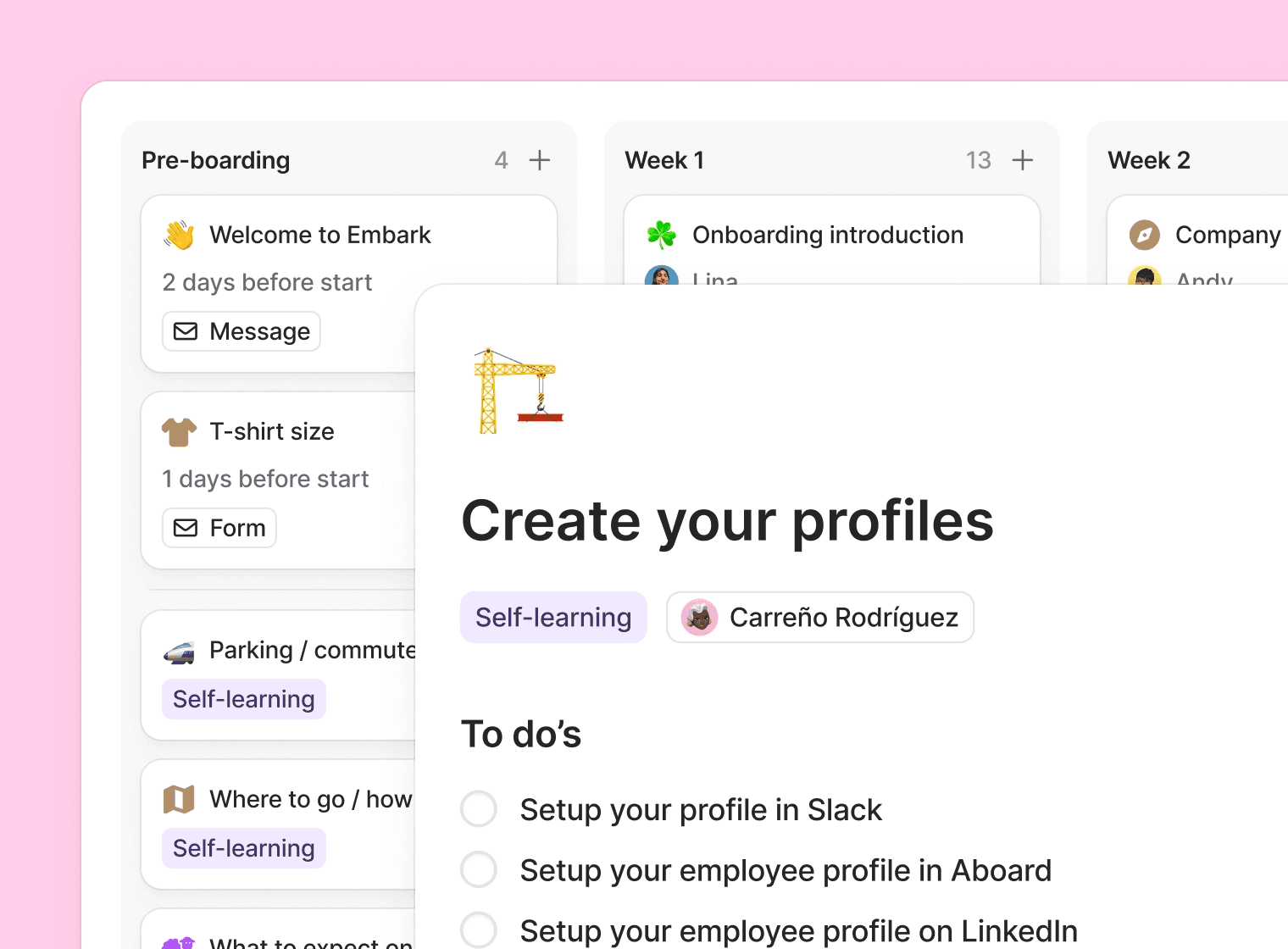
The onboarding relaunch reached its final push.
🎨 Co-edit the branding new hires see — invite a manager into the experience
📈 A new overview shows every onboarding's progress, with avatar badges marking the current stage
🏁 A clear completed state, capped with confetti when a new hire crosses the line
➡ Stages help break down the onboarding journey, giving the onboardee a clear path and understanding of what their onboarding will look like from start to finish
📋 Actions, forms and/or messages complete the stages. By curating these properly, each stage will help the onboardee get started quickly and efficiently
🫂 Introducing the onboarding buddy, someone other than their manager that can help guide the onboardee through their first time at their new job
🧹 Tasks stay visible after onboarding ends, so nothing falls through
Settings also moved into a cleaner sidebar, and we renamed the "Onboarding page" to the "Onboarding portal" to match what it actually is.
Give someone a shout-out
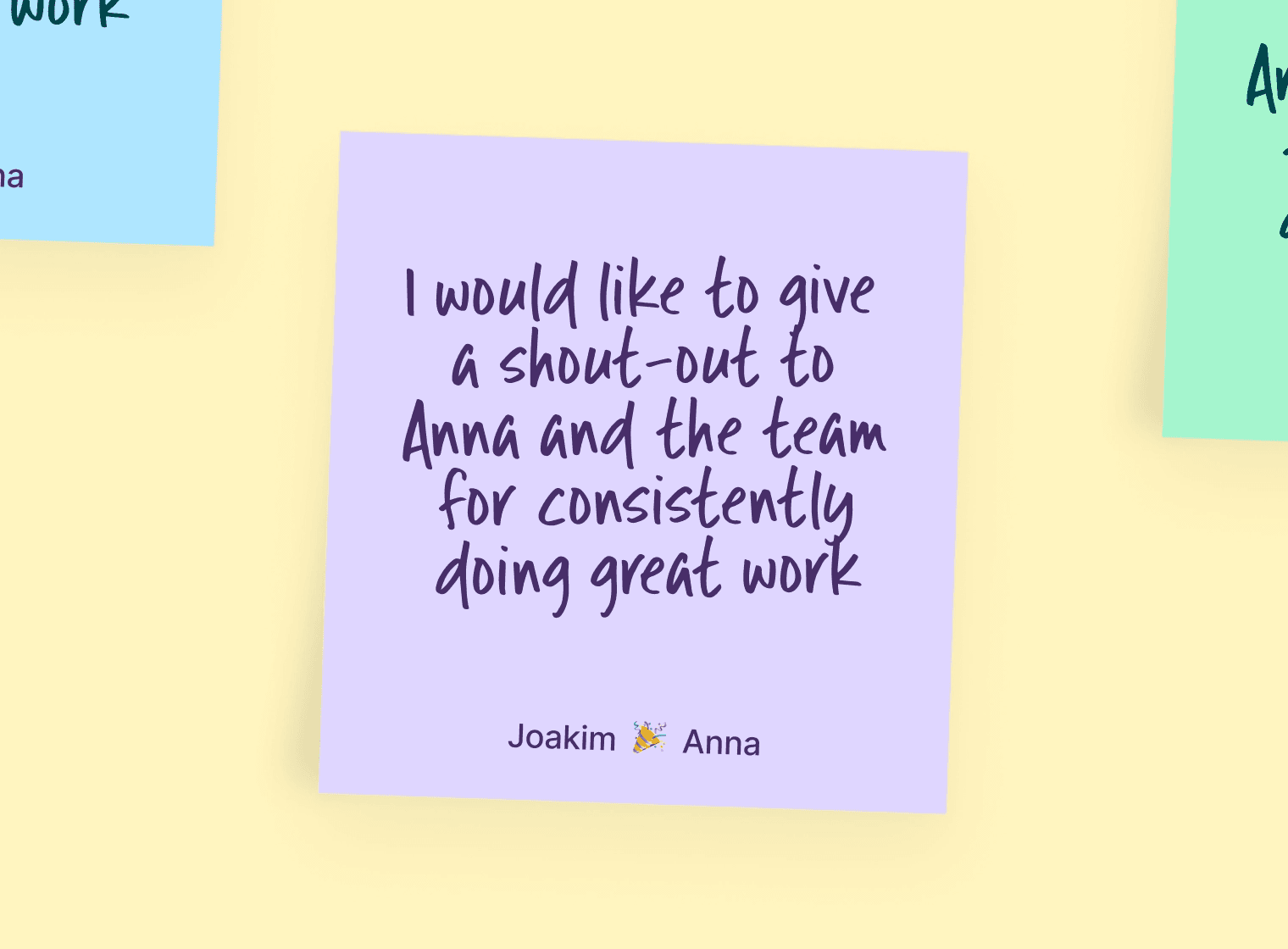
Praise is a new recognition wall, right in the portal. Recognition that used to scroll away in a Slack channel now has a home people can come back to.
💬 Write a shout-out with text or a photo, to one colleague or a whole team
❤️ React and comment — everyone can add a heart and join in
🎊 Confetti included, because a thank-you should feel like one
It's the first genuinely social space in Aboard, and it lives where your team already does — the portal.
Build the 1-on-1 agenda together
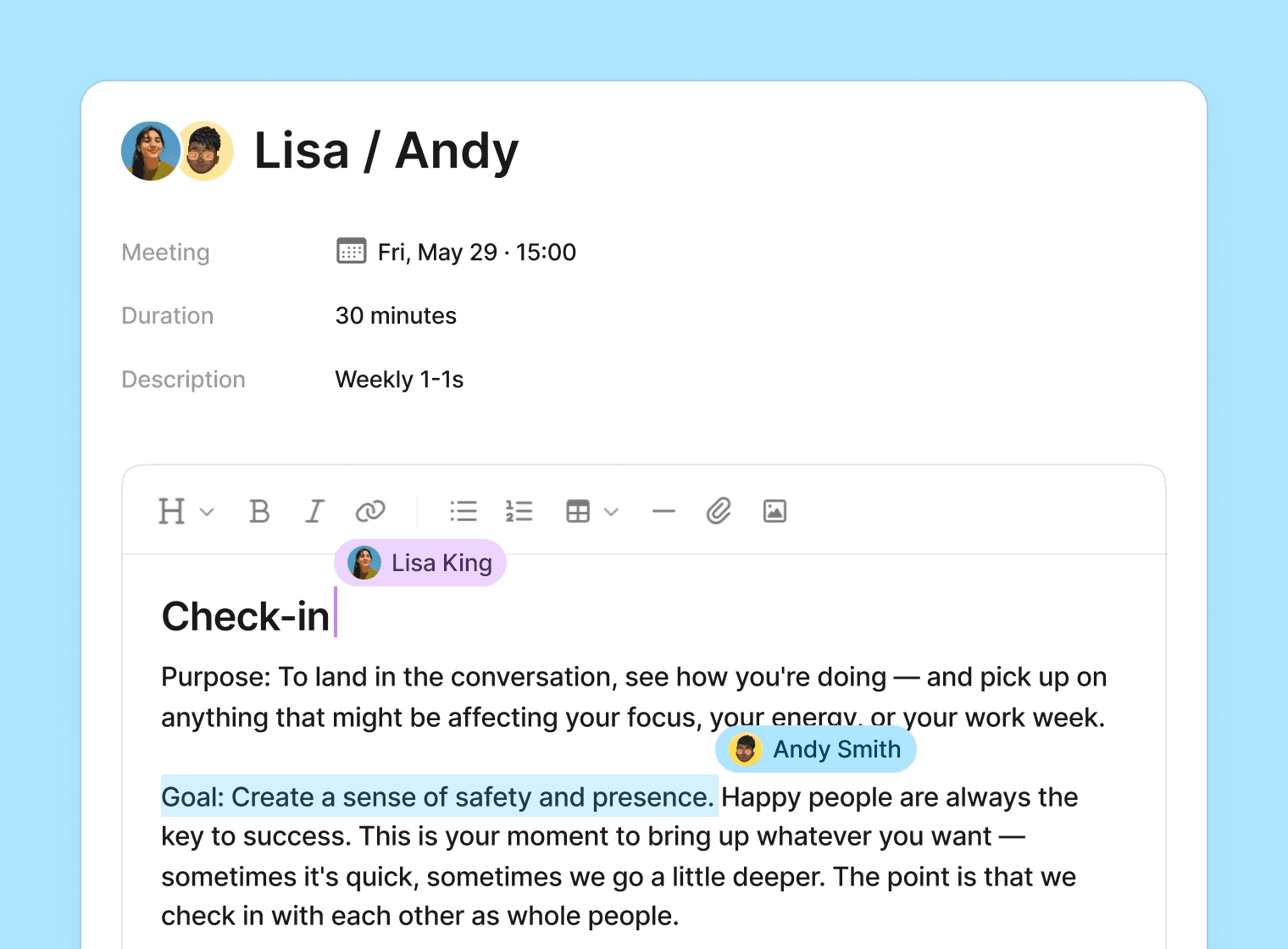
1-on-1 agendas are now collaborative. Managers and team members edit the same agenda in real time, with live presence so you can see who's typing. No more "did you add your points yet?"
For managers and HR, the admin area got a rebuild:
👀 A new overview of active conversations at a glance
🔔 Flags for new reports and overdue meetings, so nothing slips
🧭 Prepare without chasing anyone — everything needing attention in one place
Connect Aboard to the rest of your stack
A fuller API - The public API now supports full create, update, and delete for employees, positions, departments, locations, and job titles — plus terminations and an archived-employee filter. Build the integrations you've been waiting for.
Your AI assistant, connected - Aboard now speaks MCP. Connect an AI assistant like Claude and let it read your people, time-off, calendar, skills, and review data — and, with the right permissions, take actions like updating tasks or scheduling meetings. Admins control access from a new settings page.
Spot absence patterns before they become problems
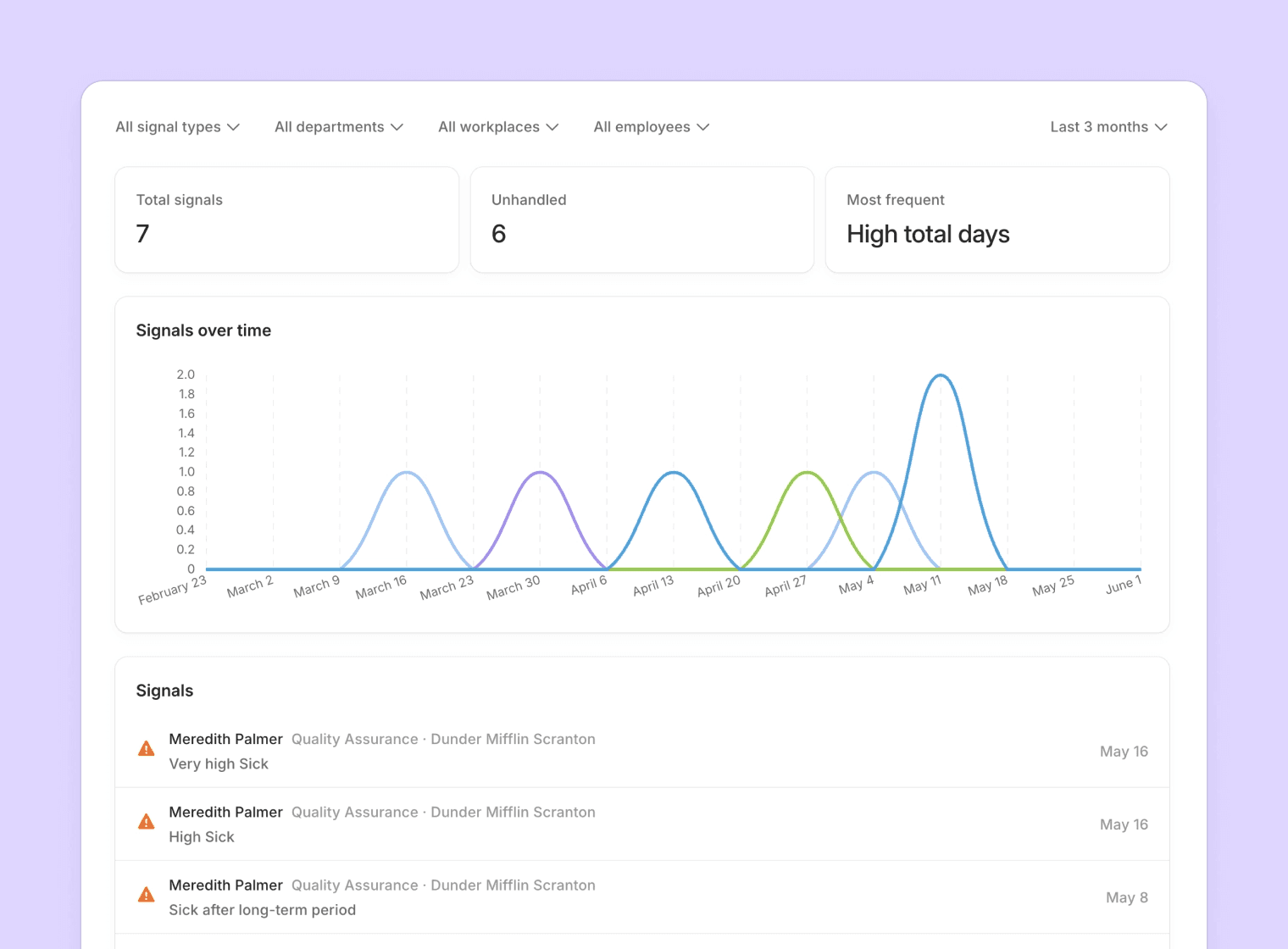
Aboard now watches for concerning absence trends automatically — clusters, or frequent short absences — and flags them to the right manager. When a manager handles a signal, they add a note, so there's always context for why.
📊 Automatic monitoring for clustering and frequent short-term absences
📝 A required note when handling a signal, so decisions stay documented
💬 Comment on individual time entries for clarity
📅 Approvers see time-off detail directly in the admin calendar
We also rebuilt how time-off accrues behind the scenes, so monthly accrual is annualized correctly across the cycle and balances stay right through start and end dates.
Also shipped
📋 Employment terms - Aboard now tracks employment form (permanent, fixed-term, and so on) and worker type as proper historical records — so you can see not just what someone's terms are, but what they were. Available in the list, the report, and the API.
👤 Face quiz refresh - The colleague name-learning game got a fresh look, sound effects, and smarter scoring based on speed and accuracy.